
Description
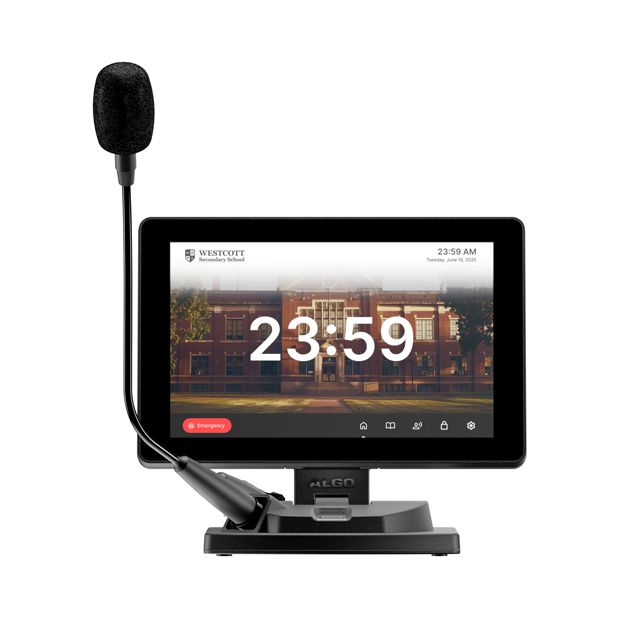
Control all of your elements of your voice paging, alerting, and notification systems from this Algo 8450 PA Console.
Quickly activate emergency alerts or initiate daily communication from the customizable touchscreen display. The Algo 8450SG PA Console offers flexible broadcast communication solutions to meet the needs specific of each organization.
Algo 8450 PA Console is a flexible touchscreen device serving as a broadcast and command station of the communication ecosystem. From the console users
may initiate daily messages, activate emergency alerts, communicate with occupants of a building or be made aware of building status.
- Customizable 10.1” touchscreen LCD display
- Wideband audio (G.722 voice codec) for speech intelligibility and high quality audio
- Initiate live broadcast or pre-recorded notifications
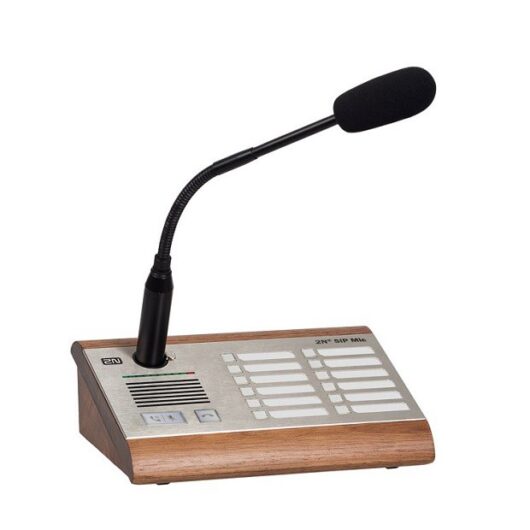
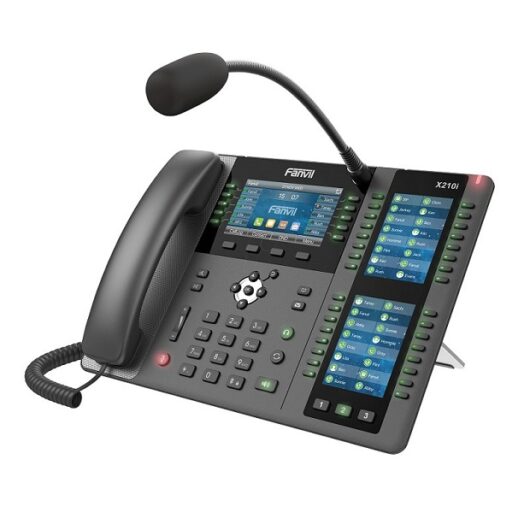
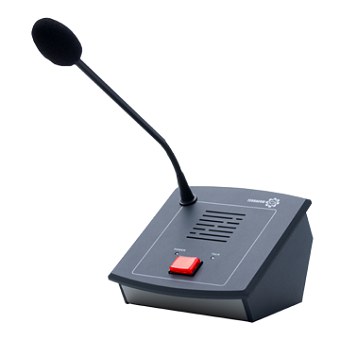
- Audio input: Gooseneck or handheld microphone via standard XLR connector (one-way broadcast) or optional handset (two way communication)
- Activate emergency notifications
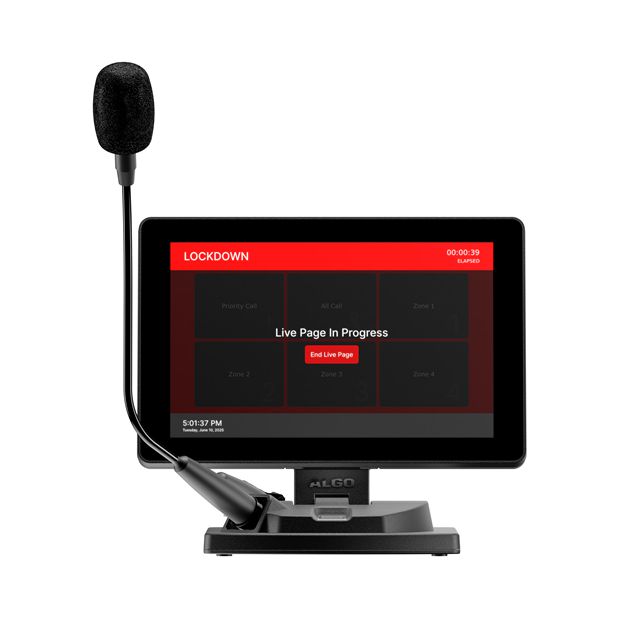
- Prove visual status of in-progress events (i.e. lockdown)
- Sleep mode and screen dimming to save on power usage.
- Multiple standard screen templates embedded, with ability to build custom screens
- PoE+ (802.3at) Powered
Streamline Daily Announcements
The Paging Screen
The Paging screen enables users to broadcast live announcements to specific zones—such as classrooms, departments, or building sections—ensuring clear, targeted communication. For added flexibility, a Delayed Paging feature allows users to record a message and automatically broadcast it immediately after recording.

Algo 8450 PA Console -The Directory Screen
In addition, the Directory screen provides a searchable, scrollable list of zones and extensions, offering an alternative interface for paging. Whether you use the Paging screen for quick button access or the Directory screen to scroll through zones, both views serve the same purpose; it’s just about what works best for your needs.

Respond Quickly to Critical Situations with Emergency Alerting
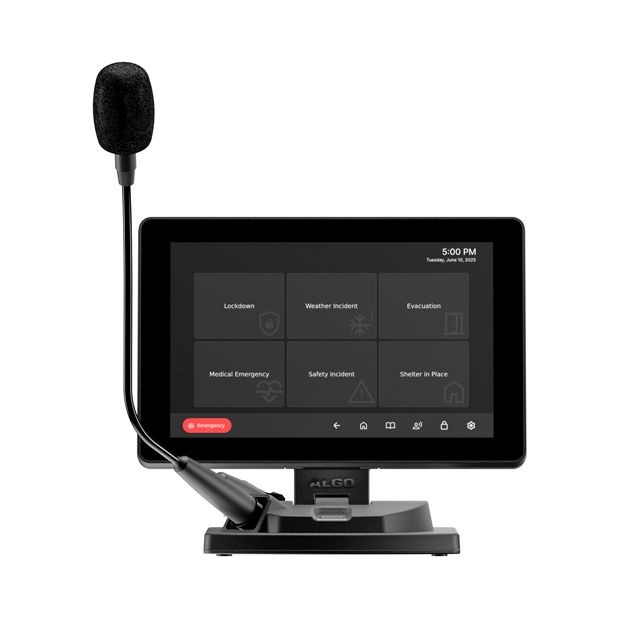
The Emergency Screen
The Emergency screen allows users to quickly activate pre-recorded announcements for urgent situations, such as lockdowns or medical alerts. These buttons come pre-configured but can be fully customized to suit the unique needs of each environment. For example, creating a specific “Code Blue” alert for a hospital.

Algo 8450 PA Console – Create Custom Screens
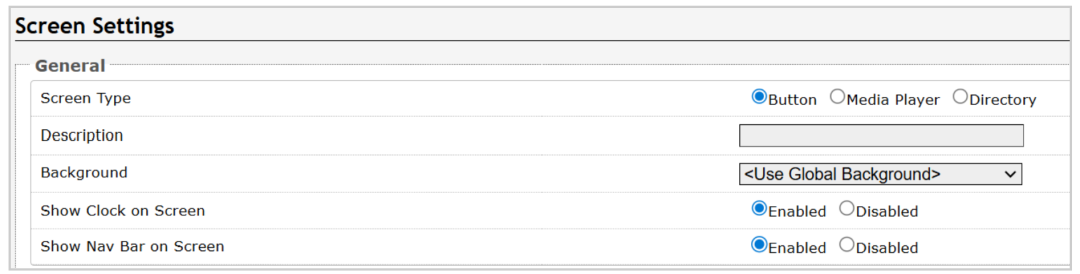
As mentioned earlier, users also have the option to configure up to 20 custom screens. There are 3 Screen types – Buttons, Media Player, and Directory. If you choose recordings in the web UI, users can manage and play back pre-recorded messages or announcements, such as emergency alerts, general information, or routine notifications directly from the console. This is a useful feature for routine announcements or scheduled messages.